/Phin%20Logo%20Stacked.png?width=60&height=60&name=Phin%20Logo%20Stacked.png)
Important Notes:
Training courses uploaded at the partner level can only be used in Shared Training Campaigns.
Training courses uploaded from within any company tenant can only be used in a campaign that originates from that company.
Videos must be in a .mp4 format and under 32mb at the company level / 700mb at the partner level. SCORM Files are not compatible.
Thumbnails must be in a .png format and under 32mb
Use the 'Upload Content' button from either the partner level or company level content sections to open the Course Creator module. This is where you'll upload your training video and add the following details:
- Title
- Description
- Upload Video
- Upload Thumbnail
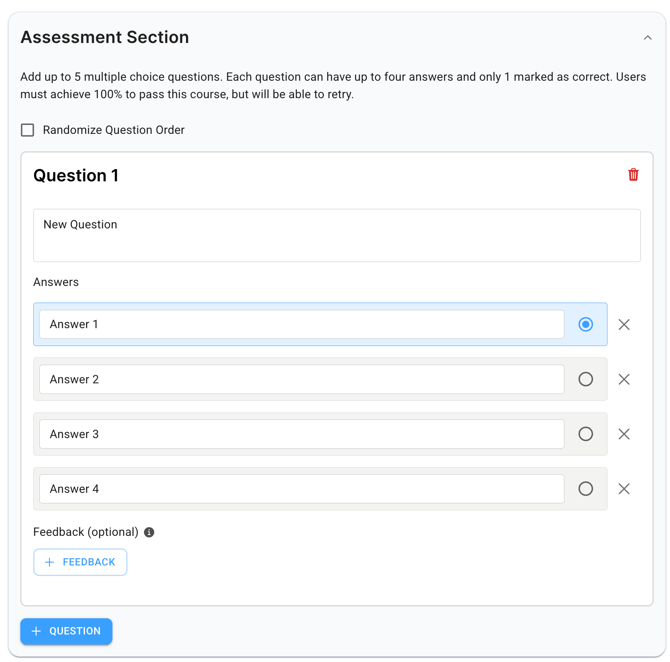
IMPORTANT: Currently, courses with custom assessments can only be created from the partner level library and distributed via the Shared Campaigns feature.
Once you've added all the details, click 'Create' to create a custom course in the partner or company level library. Your course will now show up in the relative library. If you'd like to learn more about how to launch a one-off course, click here.